


📑 Table of Contents
Welcome to detamoov’s 1st Bi-Monthly Newsletter!
We’re excited to introduce our new bi-monthly newsletter, designed to keep you informed and provide everything you need to keep your integrations mooving forward. Every other month, we’ll share the latest platform updates, best practices, and expert tips to help you get the most out of your detamoov experience.
We would love to hear from you! You can share your suggestions, topic ideas, or helpful tips with our team by emailing us at [email protected]. We welcome your input and encourage you to reach out with any insights that could benefit the detamoov community.
Every two months, we'll highlight a couple of our newest features and most recent updates to detamoov in our newsletter. Want to keep up with all the newest features and updates between newsletters? Click “What’s New” in the detamoov app to see everything we’ve recently released.
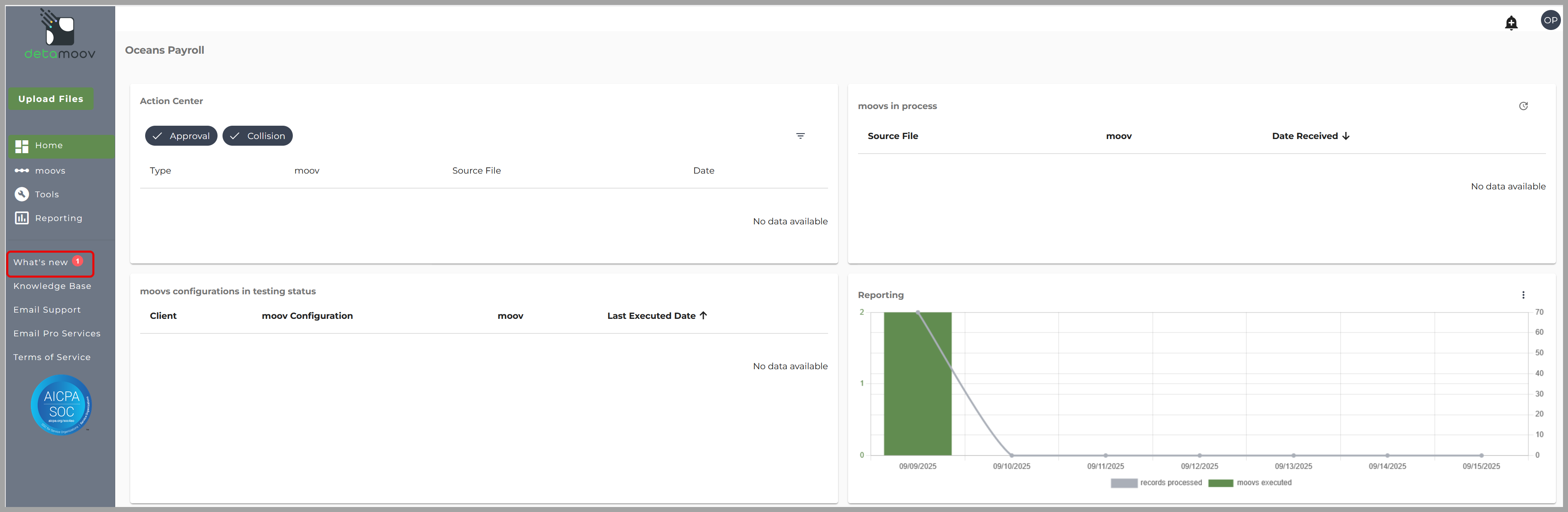
New Integrations: We’ve expanded our 360-integration library to help you streamline payroll and retirement data workflows. This month, we’re highlighting users across different payroll platforms that are leveraging detamoov’s 360 integrations to automate processes, reduce manual effort, and keep their data flowing seamlessly.
Here are a couple of our newest 360 integrations. You can find more by clicking What's New in the detamoov app.
New 360 Retirement Integration: 
New 360 Retirement Integration: 
 Discover the latest functionality in detamoov:
-
Restore Data: This feature makes it easy to transform a single dataset into multiple outputs, no need to build separate moovs. For example, you can now send employee census data and payroll contribution data from the same source in just one moov. Want to see how the Restore Data step can simplify your integrations? Check out our KB article on Restore Data for a detailed walkthrough.

In each edition, we’ll share simple tricks to help you help you optimize your use of detamoov.
- Master Dropdown Menus: Navigating dropdown menus in detamoov just got easier! Check out this quick video to see how you can save time and work more efficiently.
- PrismHR Tip: Learn how to configure a client by Pay Group in detamoov with our step-by-step KB article: PrismHR – Configure a Client by Pay Group
Our expert team is here to help you deliver tailored solutions that meet your customers’ unique needs. We're showcasing our refreshed professional services—designing and building seamless integrations and custom “moovs” that drive real results.
Examples of common requests we support include:
-
Time imports – automated scheduling, overtime calculations, and consolidated file delivery.
-
Employee imports – handling specialized demographic or payroll data requirements unique to your client’s system.
-
Custom provider moovs – creating direct integrations with retirement, benefits, or third-party vendors to simplify data exchange.
With these capabilities, we ensure your integrations are efficient and aligned with your business goals.
Why it matters:
- Personalized support from our integration experts
- Flexible solutions built around your goals
- Faster implementation, smoother customer experiences
👉Learn how our experts can build custom integrations and solutions tailored to your business needs by clicking here: detamoov Professional Services
👉Get in touch with our Pro Services team right from within the detamoov app by clicking email Pro Services or by emailing the team at [email protected]
Our Pro Services team recently built a fully automated employee sync for our customer, CTR. By eliminating manual data processing, CTR is now saving 32 hours every week. This solution, developed for a major Pizza Hut franchisee, enables faster onboarding, reduces errors, and delivers significant time savings. The integration automatically sends data to Pizza Hut’s proprietary SUS software, which generates the employee reports CTR needs. Previously, CTR had to manually transform this data into isolved, a process that could take up to two full days for each sync.
We're proud to showcase our newest partnerships and customer feedback!
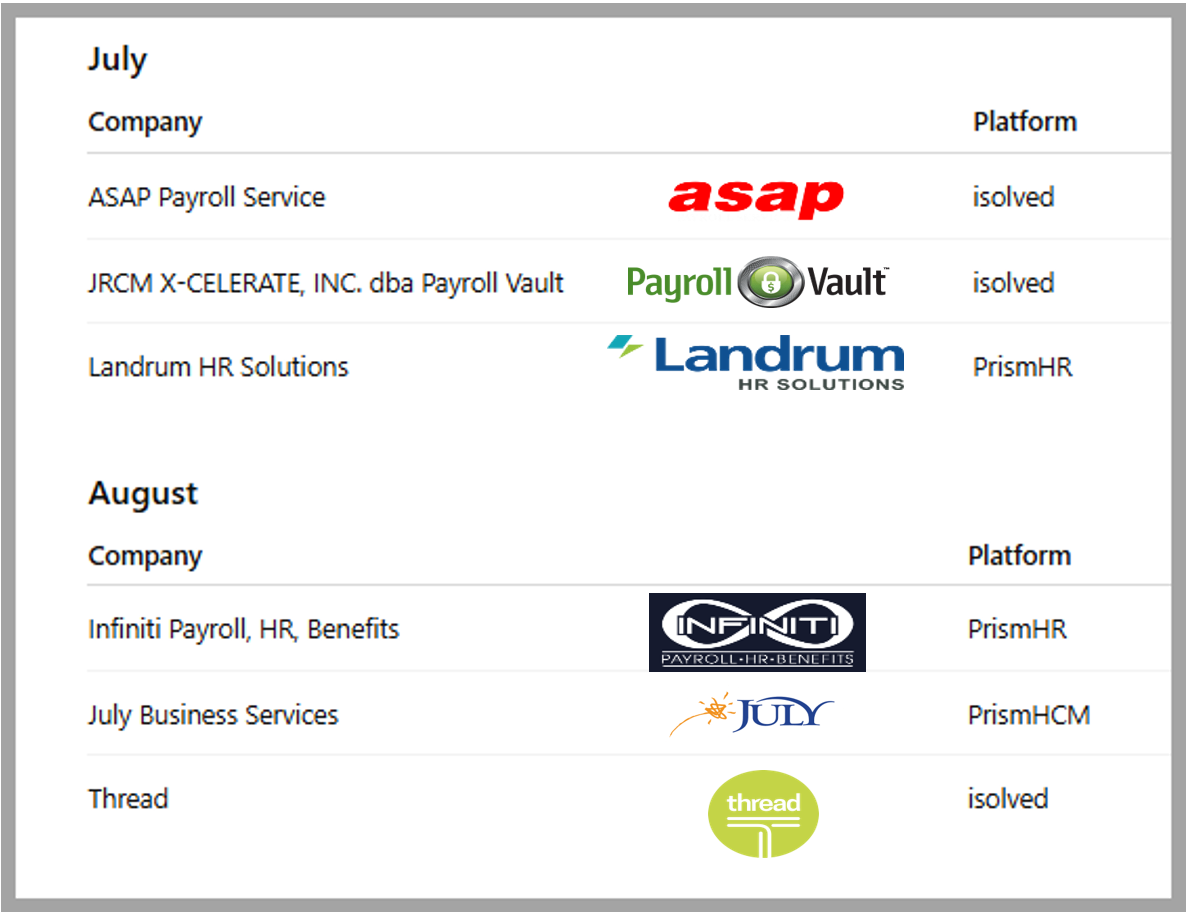
New detamoov Users: Welcome the newest members of our community! We'll feature the logos of new customers who have joined us in the last quarter.
We’re proud to highlight our partnership with Flexchecks. detamoov played a key role in streamlining their payroll integrations, saving time and enabling the Flexchecks staff to focus on other priorities.
Here’s what Diane, from Flexchecks, had to say about her experience working with us:
"Perfect! I have to tell you that in all the 28 years since I started this business, I've never had such an amazing vendor!!! You are the absolute best!!!”
Diane Pelak, Flexchecks
Thank You, Diane!
We’re so glad we could help and truly appreciate your kind words. Your support means a lot to us, and we’re grateful for your continued business.
😊 Thank you for taking the time to read our newsletter. So, what do you think? We would love to hear your thoughts and feedback. Please email us at [email protected] and let us know how we did.
Be sure to check out our next issue, scheduled for release on the 3rd Thursday of November!

