


📑 Table of Contents
(Tip: Each section title below is clickable — jump directly to the part of the newsletter that interests you most!)
👉 See What’s New »
Latest product updates and 4 new integrations available in detamoov.
👉 Did You Know - Tips & Tricks »
Did you know you can control when data is delivered via SFTP?
👉 Stay Connected with detamoov on social media
Highlighting custom projects and advanced integration work detamoov can support.
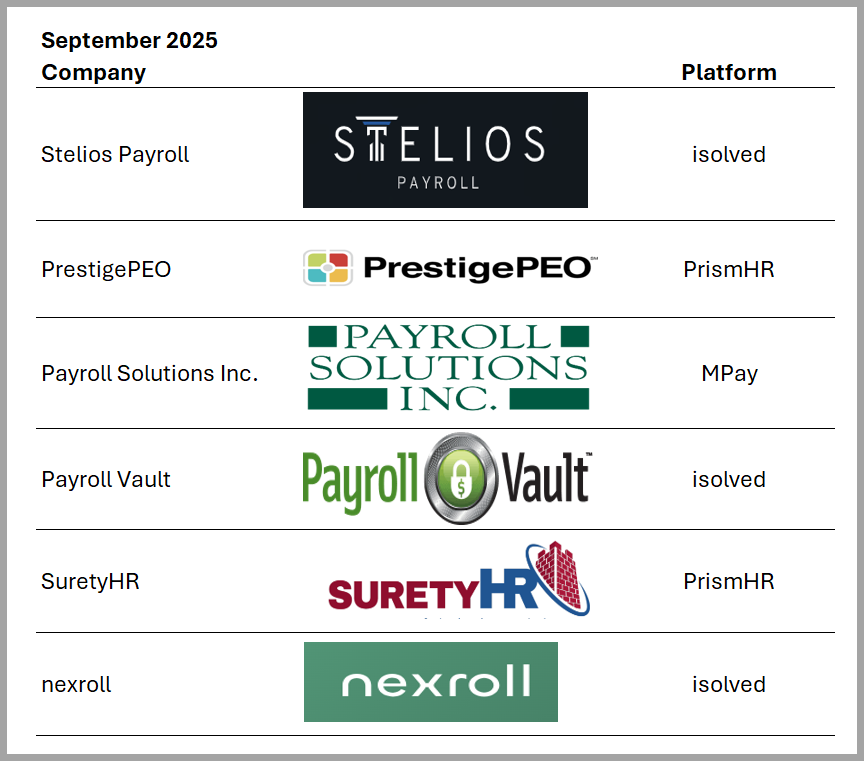
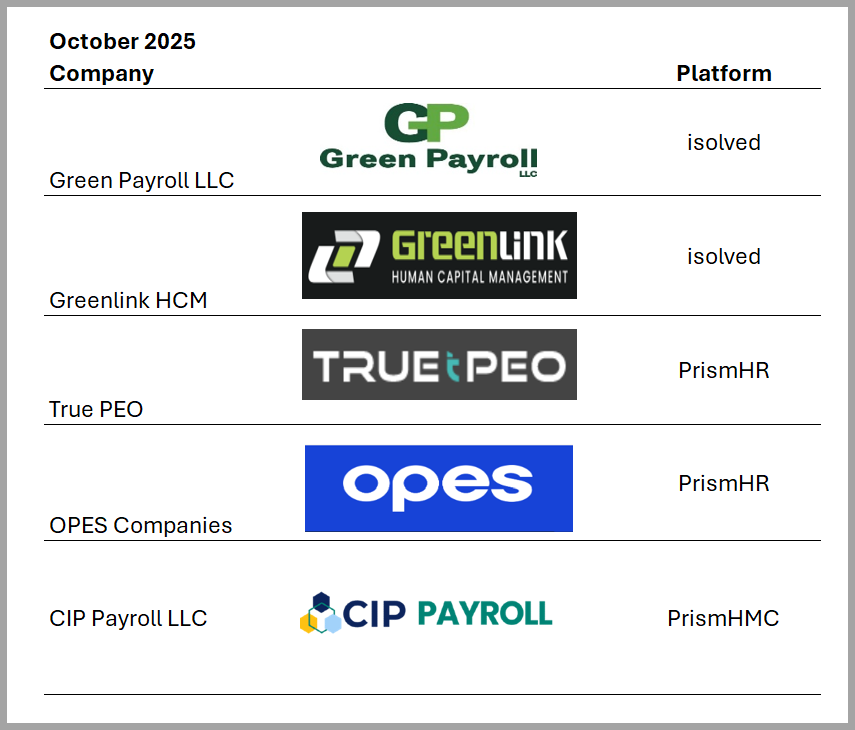
Welcome to our new customers since our last newsletter!
New Integrations: We’ve expanded our 180 and 360 integration library to help you streamline payroll and retirement data workflows.
New 180 Retirement Integration: 
How to configure a Transamerica Large Market moov
New 180 Retirement Integration: 
How to configure a Standard 401k to RPG Consultants
New 180 Retirement Integration: 
How to configure a Standard 401k to CMC Interactive
New 360 Retirement Integration:
John Hancock Enterprise Deduction Feedback to UKG
John Hancock Enterprise Deduction Feedback to PrismHR
Feature Updates: 🚀 New Features Released in September!
We’ve added two powerful updates to the detamoov no-code integration platform to make your integrations faster and more flexible:
JSON Generation – Easily build and format JSON outputs directly within your moovs.
Generic API Step – Connect to any REST API right inside detamoov with no custom connector required.
 Watch our demo of JSON Generation & Generic API
These new tools give payroll teams more control and agility when moving data between systems.

Tip #1: Did you know that you can control when your data is delivered?
You have 2 options - add a step Approval or Delay.
✅ Add an Approval: set up an approval on the step right before delivery step.
✅ Set a Delay: setup a Delay (4 hours, 24 hours, 48 hours, etc.) on the delivery step.
Tip #2: Did you know that you can clone an existing moov configuration?
Cloning a moov config allows you to create a new moov config from an existing one while keeping some of the information that was set up.
When would you use cloning?
✅A client with multiple entities that are using the same integration.
✅ Clients who use the same Time Import with the same source file.
Follow detamoov on social media!


Our team of experts are here to help you with custom-built solutions. Here are a couple of project we built for our customers.
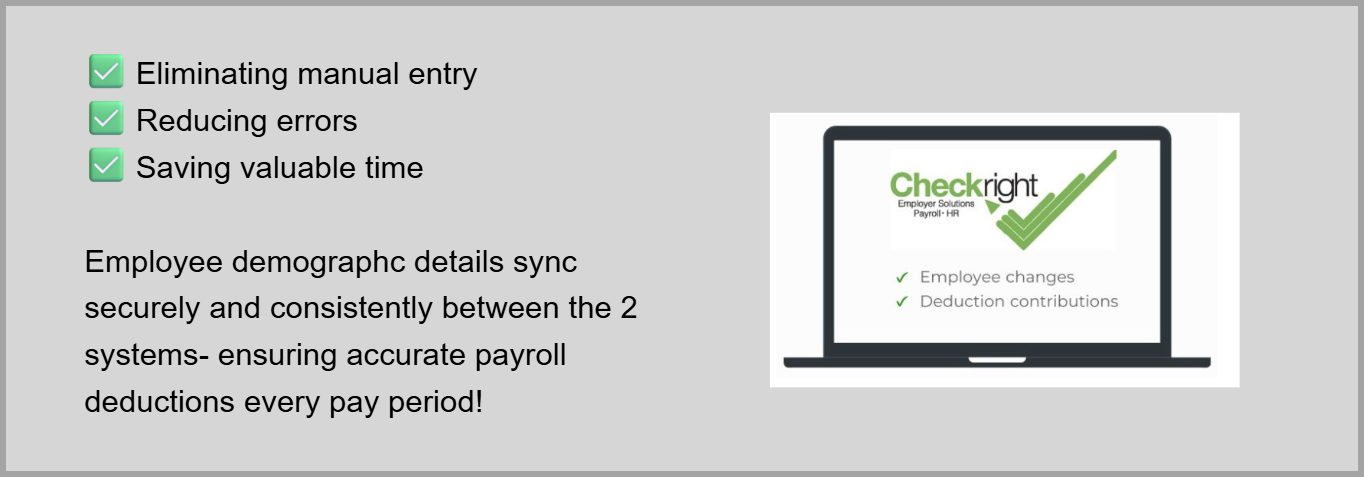
Project #1: detamoov’s ProServices team built a fully automated integration between Bavvy and Checkright.
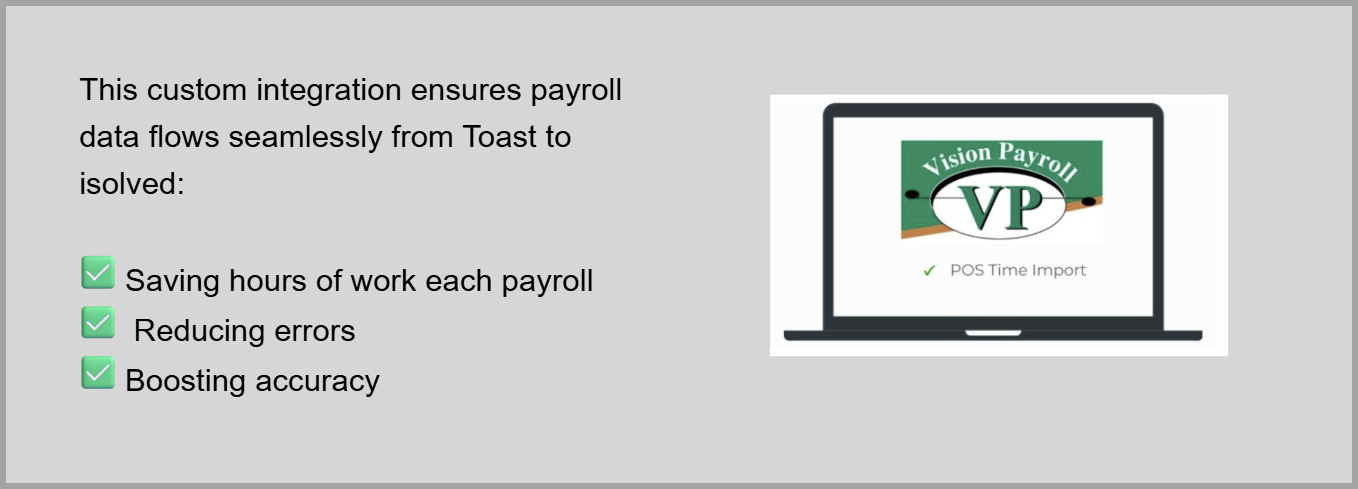
Project #2: detamoov’s ProServices team helped Vision transform a complex POS time import into a smooth, automated experience for their client.
Need help with a custom integration?
Our expert ProServices team can help, contact them at [email protected]
We’re excited to celebrate our newest customer partnerships and the continued trust placed in detamoov!
Looking Ahead
Don't miss our next issue, coming out on January 22, 2026.

