

📑 Table of Contents
(Tip: Each section title below is clickable — jump directly to the part of the newsletter that interests you most!)
| 👉 Client Advisory Panel » | Client Advisory Panel meeting update. |
| 👉 What’s New » | Check out our new Retirement integrations! |
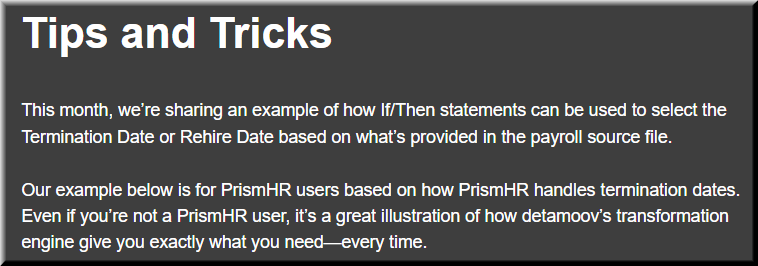
| 👉Did You Know - Tips & Tricks » | This month’s Tips and Tricks spotlights detamoov’s powerful Transformation tool. |
| 👉 Pro Services Projects » | isolved users will love this month’s Professional Services project with Flexchecks. |
| 👉 Customer Spotlight » | This month our Customer Spotlight is G&A Partners |
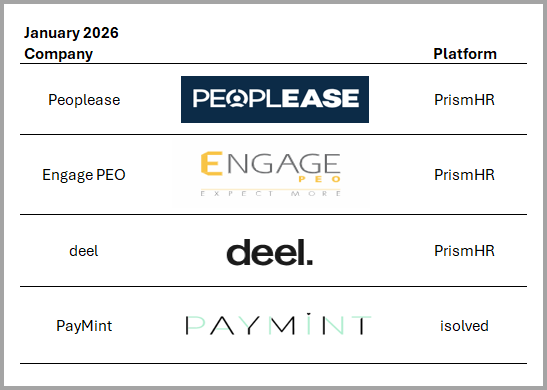
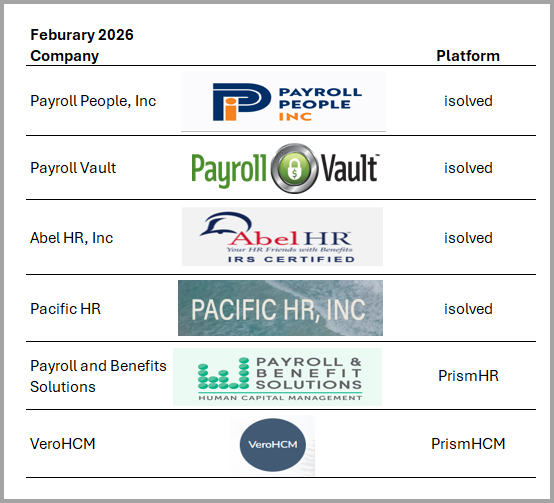
| 👉 New Customers » | Welcome to our new customers since our last newsletter! |


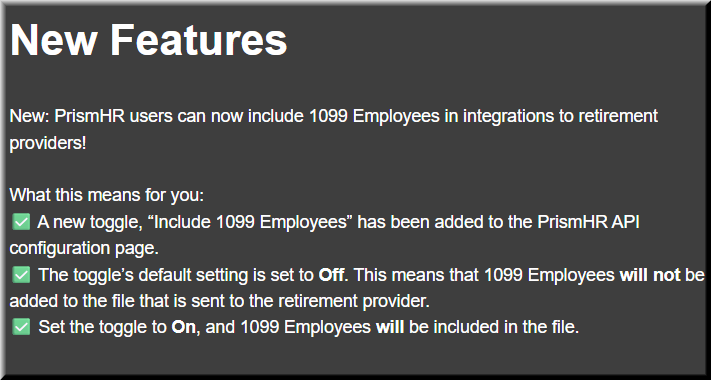
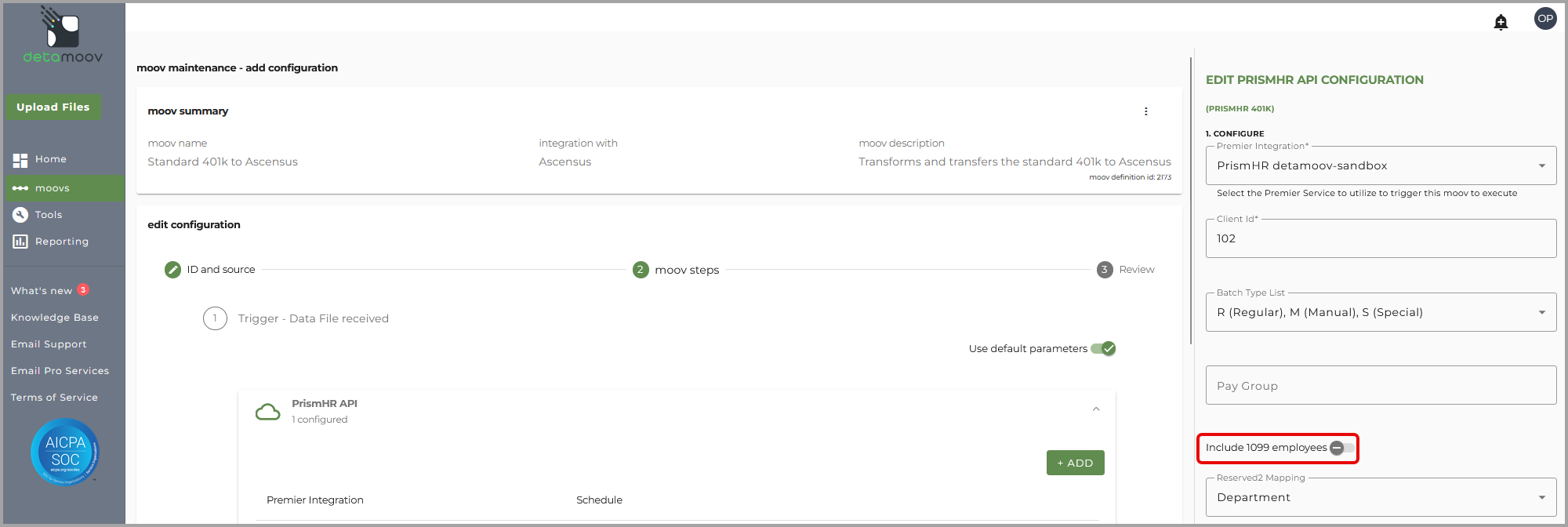
New Integrations: We’ve expanded our 180 and 360 integration library to help you streamline payroll and retirement data workflows.
New 180 Retirement Integration: 
How to configure a Standard 401k to Corebridge Financial moov
New 360 Retirement Integration: 
How to configure the American Trust Deduction Feedback to UKG moov
How to configure the American Trust Deduction Feedback to PrismHR moov
New 360 Retirement Integration: 
How to configure the ADP Connect Deduction Feedback to UKG moov
How to configure the ADP Connect Deduction Feedback to PrismHR moov
New 360 Retirement Integration:
How to configure the BPAS Deduction Feedback to UKG moov
How to configure the BPAS New Loan Feedback to UKG moov
How to configure the BPAS Paid Loan Feedback to UKG moov

🔎 Tip #1 Part A:
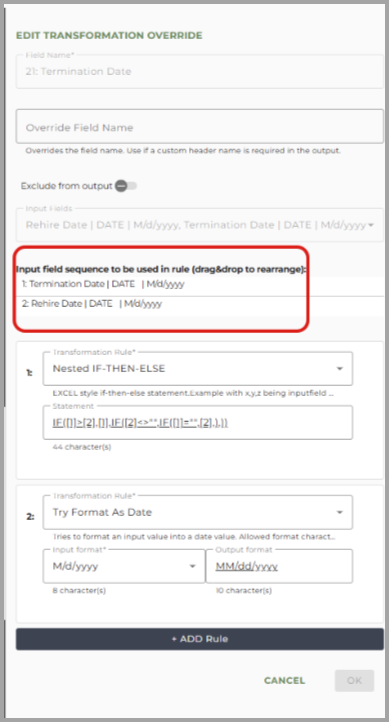
This rule chooses between a Termination Date and Rehire Date depending on which is more relevant or available:
It chooses the Termination Date (if the Termination Date is after the Rehire Date).
If that’s not valid, and a Rehire Date exists but no Termination Date, it chooses the Rehire Date.
If both are invalid or missing, it leaves the output blank.
Statement: IF([1]>[2],[1],IF([2]<>"",IF([1]="",[2],),))
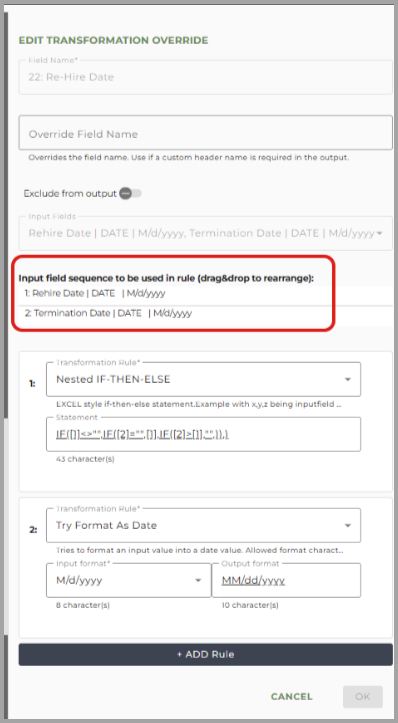
🔎 Tip #1 Part B:
This rule chooses when to return a Rehire Date, depending on the Termination Date:
If a Rehire Date exists:
And there is no Termination Date, return the Rehire Date
If there is a Termination Date and it is after the Rehire Date, return blank
Otherwise return the Rehire Date
Statement: IF([1]<>"",IF([2]="",[1],IF([2]>[1],"",)),)
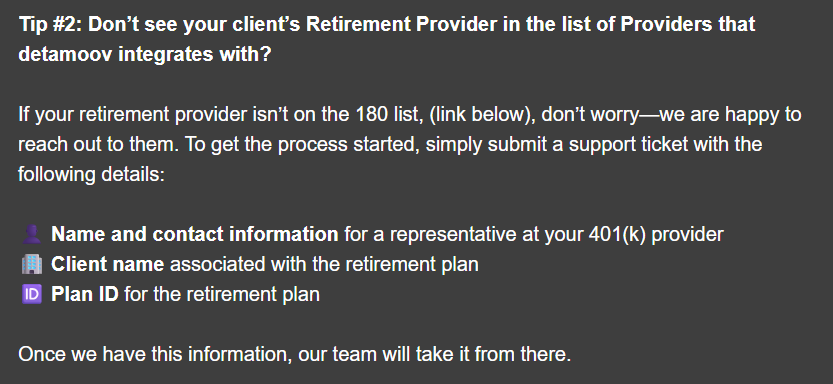





We’re excited to celebrate our newest customer partnerships and the continued trust placed in detamoov!
Don't miss our next issue, coming out on May 21, 2026.

