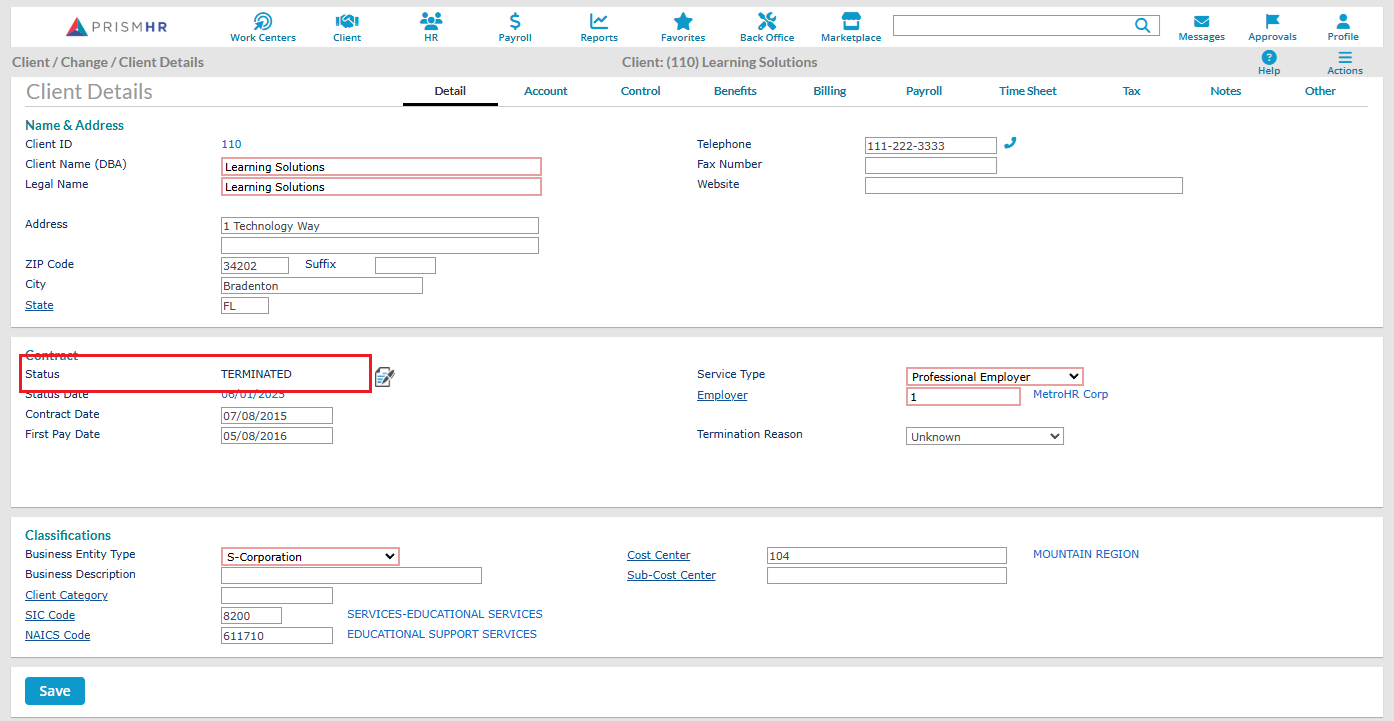
PrismHR 360 - Client in Terminated Status

Jun 12, 2025
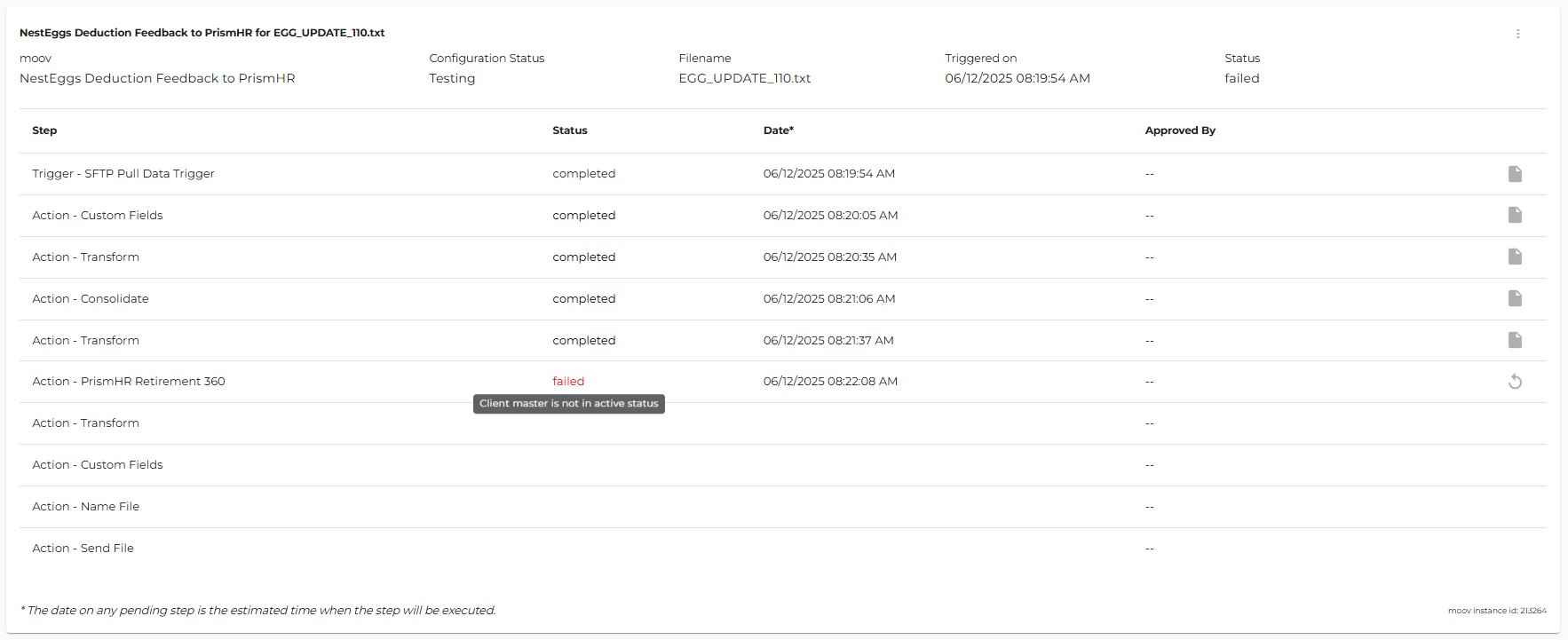
During a retirement 360 integration, if the client Status is set to TERMINATED within PrismHR detamoov will generate the following error, not process the feedback changes, and the PrismHR Retirement 360 step will fail.
Error: Client Master is not in active Status
To view the client status within PrismHR, go to the Client \ Client Details area.