



📑 Table of Contents
(Tip: Each section title below is clickable — jump directly to the part of the newsletter that interests you most!)
| 👉 detamoov 2025 Year-End Highlights » | A Record Year for detamoov thanks to YOU! |
| 👉 What’s New » | Latest product updates and integrations available in detamoov. |
| 👉 Did You Know - Tips & Tricks » | Troubleshooting tips for some common integration errors |
| 👉 Pro Services Projects » | Highlighting custom projects and advanced integration work detamoov can support. |
| 👉 Customer Spotlight » | We’re proud to introduce our new Customer Spotlight series! |
| 👉 New Customers » | Welcome to our new customers since our last newsletter! |



New Integrations: We’ve expanded our HSA/FSA and 360 integration library to help you streamline payroll and retirement data workflows.
New HSA/FAS Integration: 
How to configure the Standard Deduction to Optum Financial HSA/FSA Contributions moov
New HSA/FAS Integration: 
How to configure the Standard Deduction to Lively HSA/FSA Contributions moov
New 360 Retirement Integration:
How to configure the Sentinel Group Deduction Feedback to PrismHR moov
🚀 New Feature: Improved Manual Execution process.
What are Premier Integrations?
Retirement integrations, GL integrations, Time and POS imports for PrismHR, PrismHCM, Execupay and PrimePay

This update helps prevent unnecessary batch processing and API retrieval when the batch is not needed, while also stopping repeated error notification emails.


This month, we’re spotlighting practical troubleshooting tips to help you quickly resolve some common integration errors. Our Knowledge Base articles outline root causes and provide step‑by‑step guidance for two of our most frequently used payroll platforms. We’re also sharing some great information on how to address common QBO import issues.
Reviewing these articles first can help you catch configuration, permissions, or formatting issues and save you valuable time.
 Tip #1: PrismHR users:
For errors relating to batch processing, missing data or API responses, this KB article provides helpful troubleshooting tips for the most common errors you might see.
If you’re seeing errors related to batch processing, missing data, or API responses, start here:

Tip #2: UKG users:
For issues related to 360 integrations— such as report set up, API behavior or data mismatches— checkout this KB article.

Tip #3: iSolved 360 FAQs and Common Errors:

Tip #4: Common Issues during a QBO Import:

🔎 Reviewing these articles before opening a support ticket can often help identify configuration gaps, missing permissions, or data formatting issues and saving valuable time.
As always, if you need assistance after reviewing these resources, the [email protected] team is here to help!

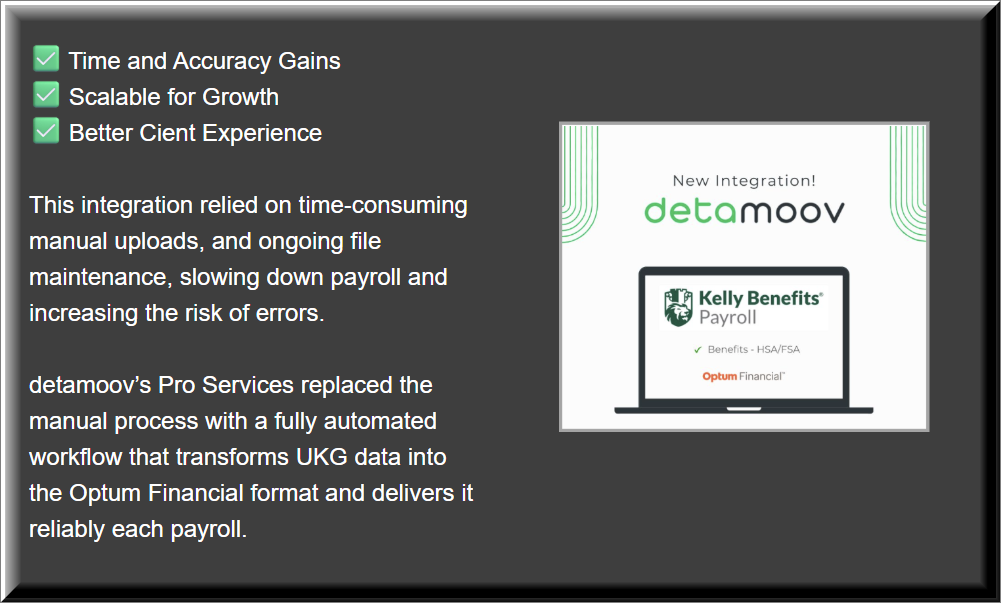
Our team of experts are here to help you with custom-built solutions. Here is a project we built for one of our customers.
Pro Services Integration Spotlight: Kelly Benefits Payroll + Optum Financial
Need help with a custom integration?
Our expert ProServices team can help, contact them at [email protected]



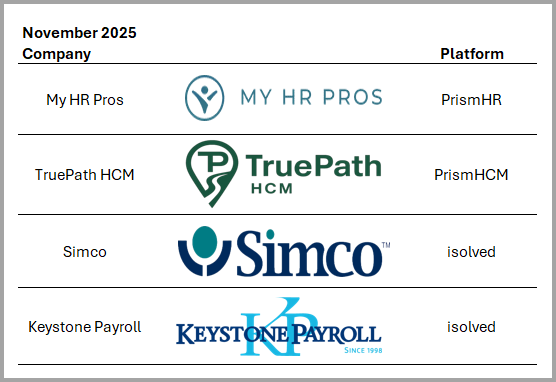
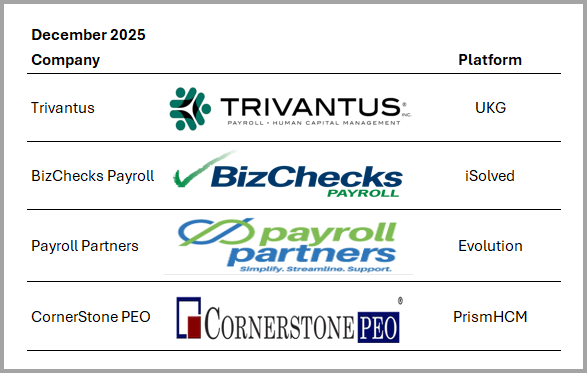
We’re excited to celebrate our newest customer partnerships and the continued trust placed in detamoov!

Don't miss our next issue, coming out on March 19, 2026.

